
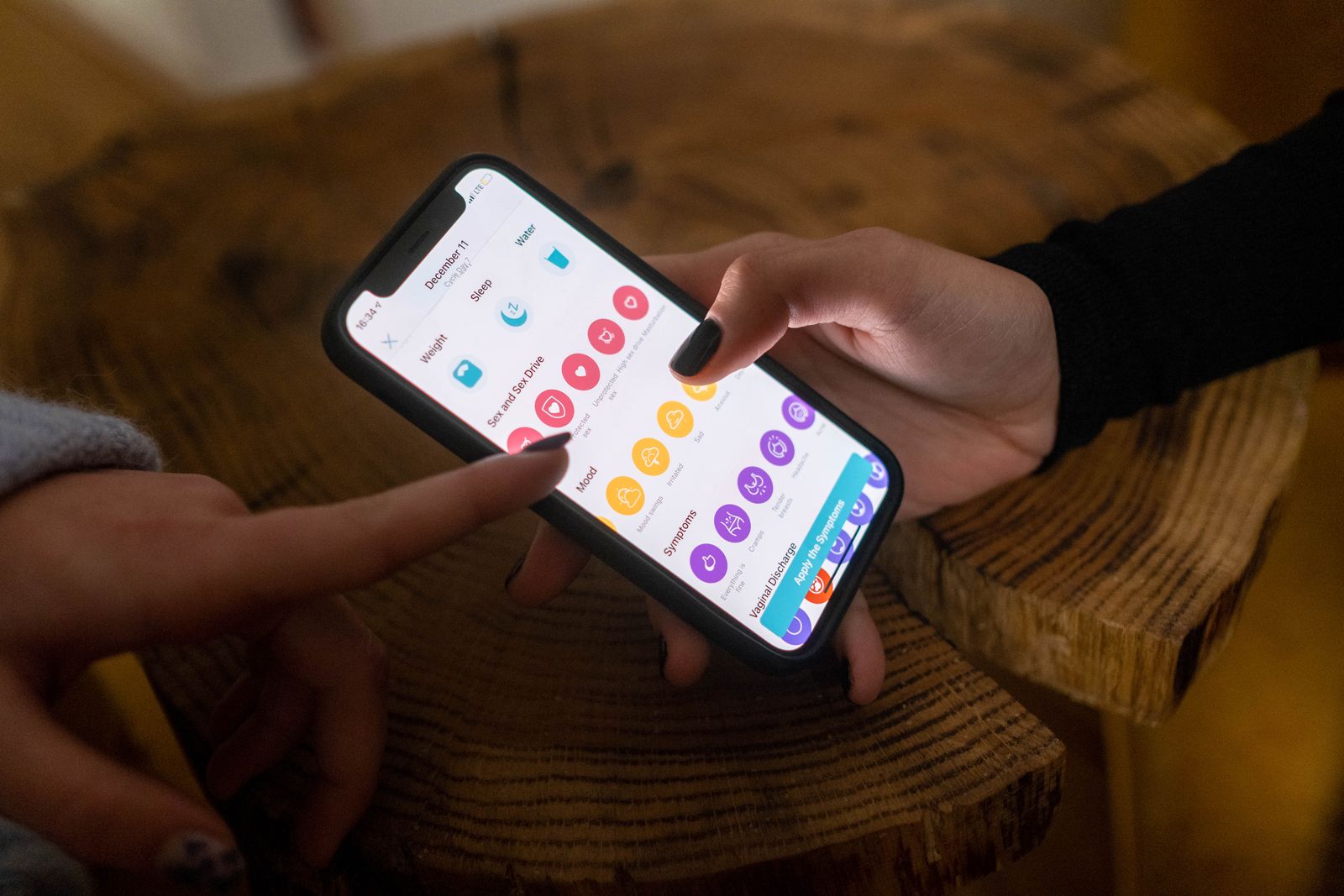
Nail Salon Booking Page Design: How to Set It Up and Optimize It to Win More Clients
A step-by-step breakdown of how to turn your nail salon appointment page into your top sales tool — from the first screen to the booking confirmation. Practical advice for nail studio owners who want more clients walking through the door.
Picture this: a potential client finds your salon on Instagram, clicks through to your website, browses your photos — and then closes the tab. Not because she didn't like what she saw. But because she couldn't find the "Book Now" button, the booking form looked sketchy, or she realized she'd have to DM you and wait for a reply. That's a lost client you'd already almost won.
Research in the local services space consistently shows that 60 to 70 percent of people searching for beauty services online are ready to book right at that moment — if the process doesn't get in their way. The problem is that most nail salon websites lose those people at the very last step.
In this article, we'll walk through what a nail salon booking page design actually needs to work: which elements must be there, how to remove the friction that stops clients from hitting "Confirm," and how to measure whether any of it is making a difference.
Why Your Booking Page Is a Sales Tool, Not Just a Feature
Most studio owners think of online booking as a convenience — clients pick their own time, the front desk gets a break. That's true, but it's only half the picture.
Your booking page is a decision point. By the time someone lands there, she's already interested, she's already looked at your work, she's already thinking "I want this." All she needs to do is take one final step — and this is exactly where most studios lose people, through clunky interfaces, unclear policies, or technical hiccups.
Your nail salon website conversion rate on the booking page is the ratio of people who open it to people who actually complete a reservation. Industry-wide, that number sits around 20 to 35 percent. Well-optimized studios hit 50 to 60 percent. That two-times difference is real money you're either keeping or handing to the competition.
The First Screen: Three Seconds to Hold Their Attention
When a client lands on your booking page, you have about three seconds. If she doesn't immediately understand what she can do there and why she should — she's gone.
The first screen (everything visible without scrolling) needs three things:
- A clear headline: "Book Online — Choose Your Time Right Now"
- A quick explanation of the process: two or three steps, like "Pick a service → Choose a nail tech → Confirm your slot"
- A prominent, easy-to-spot booking button
Don't bury the "Book Now" button below the fold. Don't make her read a full studio bio before she can pick a time. She already knows what she wants — let her do it.
One thing that's non-negotiable: mobile. Google data shows that more than 70 percent of beauty-related searches happen on smartphones. If your nail salon appointment page UX falls apart on a phone, you're losing the majority of your potential clients before they ever get started. Test the page on multiple devices yourself, then hand your phone to a friend and time how long it takes her to complete a booking from scratch.
Form Structure: Fewer Fields, More Bookings
The most common mistake in online booking form optimization for beauty businesses is making the form too long. Every additional field costs you conversions. Studies show that trimming a form from eight fields down to four increases completion rates by around 120 percent on average.
The minimum you actually need to book a nail appointment:
- First name (just the first name — no last name required)
- Phone number for confirmation
- Service (a dropdown or image cards both work well)
- Date and time
Everything else — design preferences, polish finish details, health disclosures — can be collected after the booking is confirmed, in the reminder message the day before, or when the client arrives.
A note on the "comments" field: keep it optional and label it clearly: "Have a specific design in mind? Describe it here or send a photo over text." That way clients know exactly what to do and don't feel lost staring at a blank box.
Service and Technician Selection Flow
The order of steps matters more than most people realize. Asking clients to choose a nail tech before a service is backwards — new clients won't know your team. The sequence that converts best: service first, then technician (with a "first available" option), then time.
Always include a "first available technician" option. It removes a major barrier for first-time clients who haven't yet built a preference, and it helps you distribute the workload more evenly across your team.
Trust Signals Near the Form
Your booking form performs better when trust-building elements are right there beside it. A client filling out a form on a site she doesn't know well needs reassurance that she's made the right call.
What to place near the booking form:
- Two or three short reviews from real clients, with names and photos (not anonymous quotes)
- Your rating with specifics: "4.9 on Google · 340 reviews" — concrete numbers outperform a generic star graphic
- Three or four recent portfolio photos right in the same section
- Your cancellation policy: "You can cancel or reschedule up to 2 hours before your appointment, no charge" — this kills the "what if my plans change?" hesitation
Many studios tuck their reviews into a separate page and leave the booking page bare. That's a missed opportunity. The moment a client is filling out the form is exactly when she needs that confirmation she's making the right choice.
Page Speed and Technical Barriers
If your page takes longer than three seconds to load, 40 percent of visitors leave before it even finishes. That's not an exaggeration — it's straight from Google's own data. On mobile, the threshold is even less forgiving.
Run your booking page through Google PageSpeed Insights (it's free). A score below 70 is an urgent problem, not a "we'll get to it eventually" one.
The technical issues that most reliably kill your nail salon website conversion rate:
- Requiring account creation or registration before booking — eliminate it or make it optional
- Redirecting to a third-party site without warning (clients have no idea where they've landed)
- A form that breaks in Safari on iPhone — shockingly common and consistently overlooked
- No confirmation after submission — the client clicks "Book" and has no idea if anything actually happened
After the form is submitted, immediately show a confirmation screen with the full details: technician name, date, time, your address, and a "Add to Calendar" button. Then follow up instantly with a text or messaging app notification. This alone dramatically cuts no-shows and builds trust with first-time clients.
Availability and Schedule Management
One of the biggest factors in nail salon appointment page UX is whether your availability is accurate. If a client books a slot online and then gets a call saying "sorry, that time is actually taken" — she's done with online booking. Probably done with your salon too.
A few rules for managing your schedule online:
- Keep your online calendar synced with your actual technician schedules in real time
- Buffer your slots: if a service takes 2 hours, block 2 hours and 15 minutes to give yourself a cushion between clients
- Add a waitlist option: "That slot is taken. Want us to text you if it opens up?"
- Surface the next 2 or 3 available slots on the first screen — don't make clients dig through an entire month
If you have multiple nail techs, show each person's availability separately. A client who wants a specific technician and sees her next opening is three weeks out might happily book with someone else — if you give her that option right there on the page.
Reminders and Post-Booking Communication
Your nail salon website conversion rate doesn't end the moment someone hits "Confirm." There's still time to lose the appointment before the client ever walks in.
No-show rates at nail studios without reminders run between 20 and 30 percent. With a solid reminder system in place, that drops to 5 to 8 percent. For a small studio where every slot matters, that gap is the difference between a profitable week and a frustrating one.
A reminder sequence that works:
- Immediately after booking: confirmation with all the details (text or messaging app)
- 24 hours before: a reminder with your address and a link to reschedule if needed
- 2 to 3 hours before: a short "We're looking forward to seeing you today at 2:00 PM"
The 24-hour reminder must include a self-serve rescheduling or cancellation link — no phone call required. It reduces stress for the client and gives you enough lead time to fill the slot if she cancels.
Collecting Reviews on Autopilot
After each visit, send a short follow-up message asking for a review — about one to two hours after the appointment wraps up. Something like: "Hope you love your nails! We'd really appreciate a Google review" with a direct link. Studios that collect reviews automatically receive four to five times more ratings than those who rely on asking clients in person.
How to Measure Results and What to Fix First
Online booking form optimization for beauty businesses is impossible without data. If you're not measuring, you're guessing.
Metrics worth tracking:
- Number of visitors to your booking page each week
- Percentage who start filling out the form
- Percentage who complete the booking
- No-show rate
Set up basic tracking through Google Analytics 4 — it's free. Mark "booking completed" as a conversion event and you'll quickly see where your best clients are coming from and exactly where others are dropping off.
If you see lots of people starting the form but not finishing, the problem is in the form itself: too long, confusing, or broken in some way. If people aren't clicking the booking button at all, the issue is with your first screen or with how much they trust your studio.
Improvements ranked by impact:
- Mobile experience (if it's not dialed in) — fastest wins here
- Trimming the form to the minimum required fields
- Adding reviews and portfolio photos next to the form
- Setting up automated reminders
- Page load speed
Don't try to fix everything at once. Pick one change, give it two weeks, then compare the numbers.
Conclusion: A System That Works While You Sleep
A well-built nail salon booking page design isn't a one-time project — it's a system. It takes bookings at 2 AM when you're asleep. It sends reminders while your hands are full with a client. It collects reviews while you're already thinking about the next appointment.
Start with an audit of your current page: pull it up on your phone, try to book an appointment yourself, and time how long it takes. If the process takes more than two minutes or creates even one moment of confusion — there's room to improve.
For studios that want to automate everything covered here without stitching together a dozen separate tools, ManicBot brings online booking, automated reminders, and review collection into one platform built specifically for nail salons. But the most important shift isn't the software — it's starting to think of your booking page as a sales tool rather than a technical checkbox. That mindset change is worth more than any platform.
Related articles
How Independent Nail Salons Can Win the Price War: Positioning, Value, and Client Retention in 2026
Discount chains compete on price — but an independent nail salon can win on something they can never replicate: trust, expertise, and relationships. Here are concrete strategies for positioning and client retention that actually work.

Client Database for Nail Salons: How to Choose a CRM and Earn More From Every Visit
A practical guide to building a system for managing your nail studio's client database — from choosing the right CRM to segmenting your list and driving repeat revenue through visit history.
Deposits and Prepayments at Your Nail Salon: How to Eliminate No-Shows Without Losing Loyal Clients
No-shows are one of the biggest sources of lost revenue for nail studios — but a well-designed nail salon deposit policy can cut them by up to 90% without driving away the clients you've worked hard to keep. Here's how to do it right.