
WhatsApp Business for Nail Salon Booking: Automating Client Communication in 2026
A practical guide to how nail techs and salon owners are using WhatsApp Business for booking, reminders, and client retention — with real templates, numbers, and step-by-step advice.
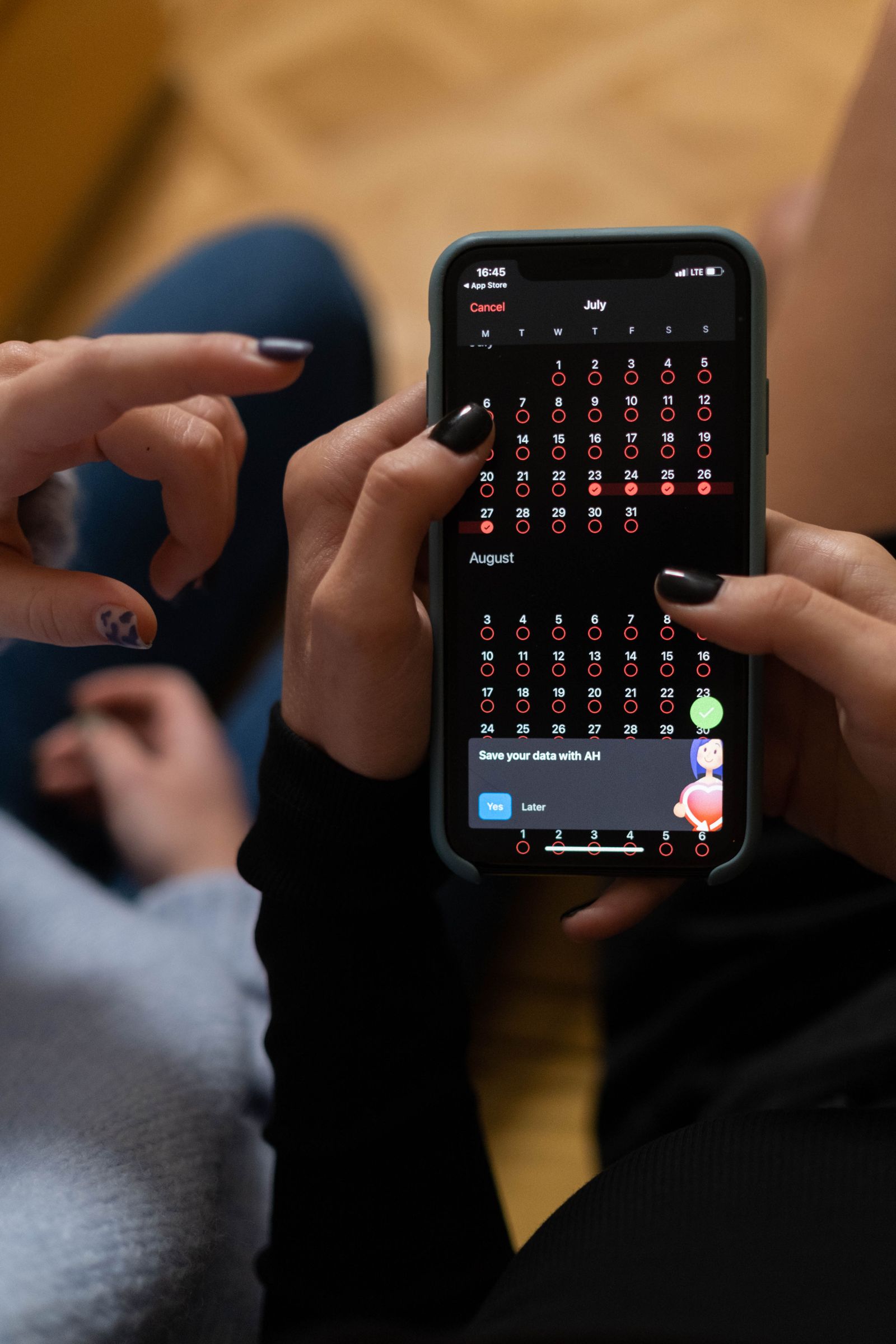
Not long ago, booking a manicure meant a phone call, a nail tech picking up, and both of you flipping through a paper planner. Today, nine out of ten clients will message a salon before they ever think about calling — and if nobody replies quickly, they'll book somewhere else. WhatsApp leads the pack among messaging apps: more than two billion active users worldwide, message open rates as high as 98% (versus 20–25% for email), and a familiar interface that needs zero explanation.
The problem is that most salons treat WhatsApp like a regular phone. The nail tech replies whenever they have a spare moment, threads get mixed up, and bookings never get properly confirmed. The client waits hours for a response, loses patience, and books with a competitor. This article walks through how to build a real whatsapp business nail salon booking system — one that handles the routine work without the nail tech constantly glued to their phone.
WhatsApp Business vs. a Regular Account
A personal WhatsApp account is just a messaging app. WhatsApp Business is a proper business tool with features that genuinely change the game for a nail salon.
First, the business profile: you list your salon name, address, hours, website, and a short description. Any client who messages you for the first time immediately sees a verified business account, not a personal number.
Second, the service catalog. You can publish a menu of treatments directly in your profile, complete with photos and prices. A client can see that a gel manicure is $55 and nail extensions are $80 before they even send a message — which eliminates one of the most common questions before it's asked.
Third, quick replies and templates. Write a response to "how much is a manicure?" once, assign it a shortcut like "/price," and pull it up in two keystrokes. Response speed goes up dramatically; quality stays consistent.
Fourth, labels. Every chat can be tagged: "new client," "awaiting confirmation," "regular," "no-show." It's a basic but effective CRM built right inside the app.
Switching from a regular WhatsApp account to Business takes about fifteen minutes and doesn't require changing your number.
How to Set Up WhatsApp Business for Bookings: A Quick-Start Checklist
This basic setup alone will cut your manual workload from day one.
Step 1. Download WhatsApp Business and register it to a dedicated business number — keep it separate from your personal phone for a cleaner experience.
Step 2. Complete your profile in full: business name, category ("Beauty, Spa & Salon"), address with a map pin, and hours. Don't skip the "Description" field — write two or three sentences about what you offer and who you serve.
Step 3. Add 5–7 of your most popular services to the catalog, with photos and prices. You don't need every treatment — just your top sellers.
Step 4. Set up a welcome message (Settings → Business Tools → Greeting Message). Example: "Hi! This is [Salon Name]. Tell us which service you're interested in and when works for you — we'll find you a slot."
Step 5. Configure an away message for outside business hours. Tell clients when they'll get a reply and include your online booking link if you have one.
Step 6. Write quick replies for your top ten questions: pricing, address, parking, how to prep for a service, cancellation policy. Each one gets a short keyword shortcut.
After these six steps, your nail salon whatsapp appointment booking process is already smoother — for both you and the client.
The Booking Script: From First Message to Confirmed Appointment
Chaotic back-and-forth is the biggest problem with manual booking. A client asks "how much?" — the nail tech replies three hours later — the client has already forgotten they asked. A structured script fixes that.
Here's a proven conversation flow for booking a nail appointment:
- Client: "I'd like to book a manicure."
- Salon: "Great! Are you thinking a classic manicure, gel polish, or nail extensions? And do you have any days that work this week or next?"
- Client names a service and a day.
- Salon: "I have Tuesday at 2 PM, or Wednesday at 11 AM and 4:30 PM. Which works for you?"
- Client picks a time.
- Salon: "You're all set for Wednesday, October 1st at 11 AM with Anna. We're at 12 Blossom Street. I'll send a reminder the day before — if anything changes, just let me know at least 24 hours ahead."
All of this can be handled through quick replies — or, at the next level of automation, through a whatsapp chatbot nail salon setup.
One key rule: don't let the conversation stretch beyond four or five messages. The client wants to book, not make small talk. Always offer specific time options rather than asking "when are you free?" — open-ended questions put the work back on the client.
Reminders and Confirmations: How to Cut No-Shows by 35%
No-shows are every salon's nightmare. An empty slot in the schedule is pure lost revenue. According to European beauty platform data, the average no-show rate without reminders runs between 15–20%. With a solid reminder system, it drops to 5–8%.
The optimal WhatsApp reminder schedule:
- 48 hours out: A soft, informational nudge. "Just a reminder that you're booked with us on Wednesday, October 1st at 11 AM. Can't wait to see you! If you need to reschedule, just reply here."
- 24 hours out: A reminder with a confirmation request. "Your manicure is tomorrow at 11 AM — we're looking forward to it! Reply 'yes' or 'coming' to confirm your spot."
- 2 hours out (optional): A short reminder with the address and any parking notes.
The confirmation request is the critical piece. When a client actively replies "yes," they've made a small psychological commitment — and that matters far more than a one-way reminder message.
One more tip: if a client hasn't confirmed within 12 hours of their appointment, call them. One phone call at the right moment beats an empty chair every time.
Sending these reminders by hand eats up time — and that's exactly where nail salon whatsapp automation starts to pay off.
Automation: From Manual Replies to a Real System
The WhatsApp Business app on your phone is genuinely helpful, but it doesn't deliver full automation. For that, you need the WhatsApp Business API — a programmatic interface that lets you connect third-party systems.
What becomes possible with the API:
- Automatic appointment reminders with no manual effort
- Calendar integration: clients pick their own time slot and receive an instant confirmation
- A chatbot that answers standard questions around the clock
- Broadcast messages about promotions (to clients who've opted in)
- Post-visit feedback collection
You can access the API through official Meta partners or through booking and CRM platforms that already have the integration built in. Pricing is based on conversation volume — Meta counts interactions in 24-hour windows. In 2025–2026, the first 1,000 conversations per month are free, which comfortably covers a small salon with one or two nail techs.
One thing to know: outbound messages through the API must use pre-approved message templates. Meta reviews them manually, which typically takes one to three days. Appointment reminder templates get approved easily; promotional messages need more careful wording.
Keeping Regular Clients Coming Back Through WhatsApp
WhatsApp appointment booking for nail salons isn't just about filling your calendar — it's also a channel for building long-term client relationships. Nail salons run on repeat business, and a well-used messaging app brings clients back without feeling pushy.
A few scenarios that work well:
- "Time for a refresh" reminder. Gel polish typically lasts three to four weeks. Twenty-one days after a client's last visit, send: "Hey Sarah — it's been about three weeks since your last appointment. Time for a touch-up?" Conversion rates on personalized messages like this run 25–40%.
- Birthday message. An automated birthday greeting with a small discount or complimentary add-on costs almost nothing but builds real loyalty.
- Re-engaging lapsed clients. Haven't seen someone in more than two months? A low-key message works: "We've missed you! We have a few openings this week — would love to have you back."
- Post-visit check-in. A couple of hours after the appointment: "How did everything go today? Happy with how your nails turned out?" Most clients respond briefly — it creates a touchpoint and gets you genuine feedback.
The golden rule for all of these: only message clients who have already messaged you on WhatsApp, giving you implicit permission to contact them. Sending bulk messages to contacts who haven't opted in violates Meta's policies and data protection laws.
Mistakes That Kill Your Booking Conversion Rate
Salon owners rolling out whatsapp business nail salon booking tend to stumble in the same ways. Here are the most common mistakes:
- Slow first response. If your first reply takes three or four hours, the client has already booked somewhere else. Aim to respond within 15 minutes during business hours. Outside of that, your away message carries the load.
- Open-ended questions. "When are you free?" is a bad question. "I have Thursday at noon or Friday at 3 PM and 6 PM — which works?" is a good one. Give clients options; don't make them do the scheduling.
- No written confirmation. The client thinks they're booked. The nail tech assumes the client is coming. Nobody confirmed anything — and the outcome is predictable. Always send a final message with the date, time, and address.
- Mixing personal and business chats. Your WhatsApp Business number should be separate from your personal phone. A client should never accidentally land in your personal messages.
- Responding with "I'll call you." If someone messages you, message them back. Asking a client to call you in response to a WhatsApp message is a friction point that costs bookings.
- Ignoring labels and notes. If you're not tagging your chats and noting client details, a month from now you won't remember who booked what — or whether they confirmed.
Integrating WhatsApp with Online Booking: The Next Level
Nail salon whatsapp automation reaches its full potential when the messaging app becomes an entry point into a fully automated booking system.
The flow looks like this: client messages on WhatsApp → bot sends a link to the online calendar → client picks their own time → the system creates the booking, fires off a confirmation, and adds reminders automatically. The nail tech sees a clean schedule without spending a minute on back-and-forth.
This isn't out of reach for small salons. These systems reduce the admin burden on a nail tech or receptionist by 60–70% on routine tasks, and they accept bookings at 2 AM when a client is scrolling Instagram and decides it's time for a fresh set.
When choosing a platform, look for: native WhatsApp Business API integration, built-in reminder automation, customizable message templates that match your tone, and an interface that doesn't require a tech background to manage.
One option built specifically for nail salons is ManicBot, which combines online booking, automatic reminders, and client database management in one place. But whatever tool you choose, the principles in this article apply equally: fast response, a structured script, a confirmed booking, and a reliable reminder system.
Takeaway
WhatsApp Business isn't just a messaging app for your nail salon — it's a front door for your clients. Set it up properly and it handles the bulk of incoming questions automatically, cuts no-shows, brings regulars back, and frees you from endless back-and-forth.
Start small: install WhatsApp Business, complete your profile, create ten quick replies, and set up an away message. Within a week you'll feel the difference. Then add a structured booking script and a reminder sequence. When client volume grows, look at connecting the API and integrating with online booking.
Nail businesses run on trust and convenience. A client who finds it easy to book — and gets a timely reminder before their visit — will come back. And they'll bring friends.
Related articles
How an AI Booking Assistant for Lashes Helps Technicians Automate Appointments and Free Up Their Day in 2026
Lash technicians lose up to 2 hours a day managing messages and confirming bookings. Here's how AI booking assistant for lashes takes over that grind — and what it actually changes in a real salon.
AI Booking Bot vs. AI Receptionist for Nail Salons: What Actually Fills Your Calendar and How to Set It Up in 2026
We break down the real difference between a basic AI booking chatbot for manicurists and a full AI receptionist — and give you a plain-English, step-by-step setup plan so you can choose the right tool for your salon.
Best AI Tools for Automating Instagram Content at Your Nail Salon: Captions, Images, and Scheduling in 2026
A practical breakdown of the AI tools and platforms helping nail techs run Instagram without burning out — from AI captions for nails to auto-posting. Real numbers, honest recommendations, and step-by-step strategies for salon owners.