
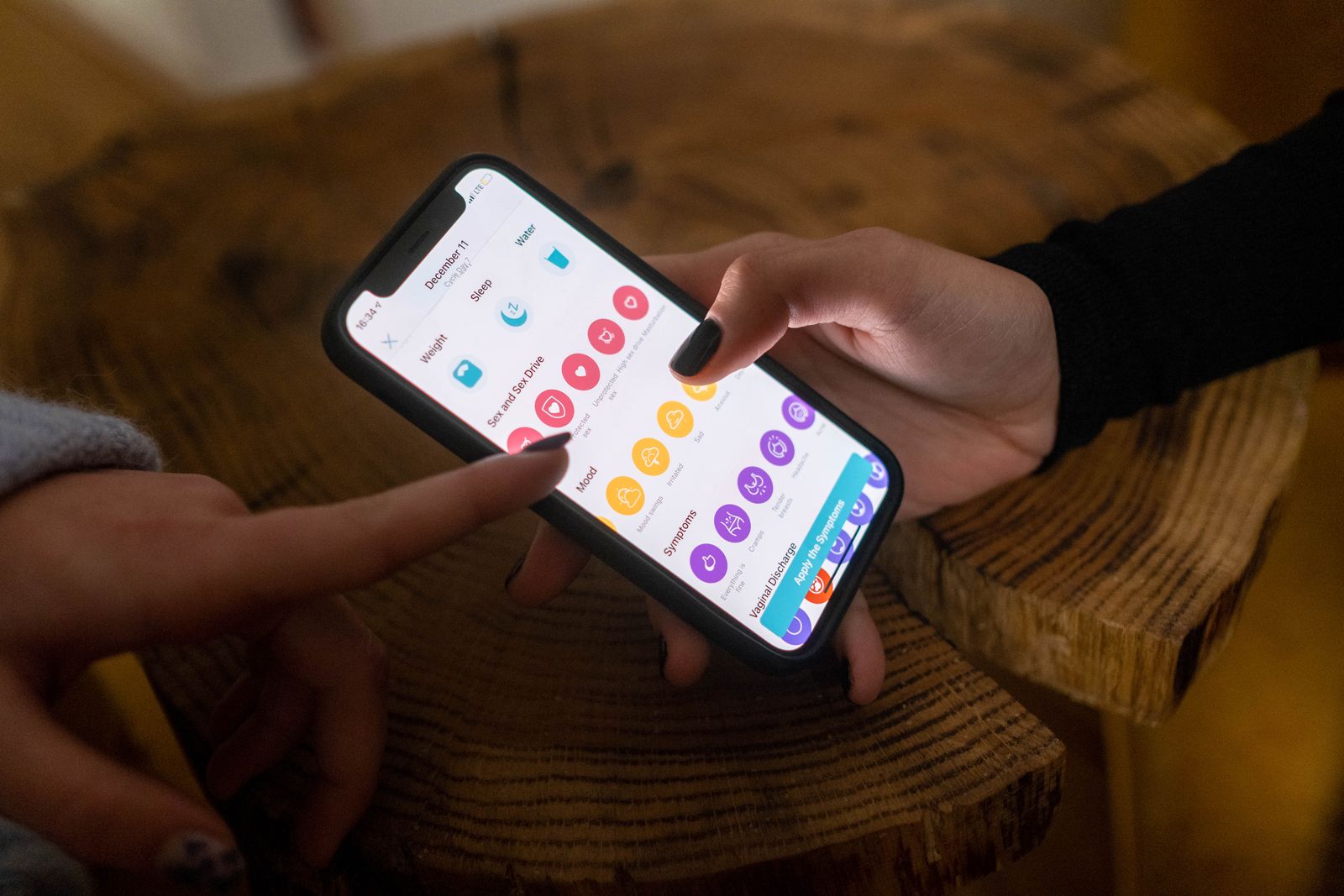
How to Set Up Online Nail Booking for Russian-Speaking Clients: Best Apps, Widgets, and Platforms for Nail Salons in 2026
More nail salons are serving Russian-speaking clients and looking for reliable ways to offer seamless online booking. This guide walks you through which apps, widgets, and platforms to choose so the booking process is effortless for both the client and the salon owner.
The nail and beauty industry has changed dramatically over the past few years. In major cities — London, Manchester, Birmingham, Toronto, New York — large communities of women from Russia, Ukraine, and other Russian-speaking CIS countries live, work, and look for nail salons they can communicate with comfortably. Many of them are searching for a salon that can reach them in their language, or at least not force them into an awkward phone call full of unfamiliar terms when they want to book a gel manicure or pedicure.
The challenge is two-sided. On one hand, you want a fully booked schedule and don't want to lose clients just because a language barrier makes booking feel too hard. On the other hand, your Russian-speaking client is accustomed to convenience — she wants to make a manicure appointment online at midnight, from her phone, without running anything through Google Translate. A well-configured online nail booking system solves both problems at once. This article shows you how to build one from scratch, whether you run a solo studio or a salon with a full team.
Why Online Booking Is Essential for Russian-Speaking Clients
Clients who are new to the country or simply not confident in English will often give up before they ever pick up the phone. A phone call is the biggest barrier — you have to speak, listen, and react in real time. A chat or online form is a completely different experience: you can translate a message, type in Russian or Ukrainian, and wait for a reply. If an easy booking form is already right there on the page, the client stays.
On top of that, women from Ukraine and Russia are very familiar with digital appointment tools. In Kyiv, Moscow, or Kharkiv, booking a beauty salon through an app or Instagram has been the norm for years. When they arrive here and find a salon that only takes phone calls or DMs, they often move on to a competitor.
A properly set up manicure appointment online system doesn't just make your life easier — it gives you access to a segment of clients who would otherwise quietly pass you by.
Platform Overview: What Works for Nail Salons
Choosing the right platform is the first and most important step. Several systems are well-suited for beauty businesses and can handle Russian-speaking clients effectively.
Fresha is one of the most widely used platforms across Europe and North America. It offers a free base plan, an intuitive owner dashboard, and a client-facing interface available in multiple languages including Ukrainian and Russian. Clients can book through your salon page or directly through the Fresha marketplace. The platform sends automatic confirmations and reminders that you can configure in any supported language.
Booksy has a strong user base and performs well in local markets. The client interface is available in English, Polish, and Ukrainian. Russian is not officially supported as an interface language, but Ukrainian is close enough that most Russian-speaking clients navigate it without difficulty. Booksy also offers a marketplace listing that helps with organic discovery of new clients.
SimplyBook.me is a more feature-rich tool that allows deep customization — including a multilingual booking widget, custom CSS, and integrations with external systems. It's a strong choice for salons with a large service menu that want full control over how the booking form looks and behaves.
Setmore and Calendly are general-purpose tools that can function as a nail salon booking app if you configure your services and staff properly. Their main advantages are simple website integration and Google Calendar sync; the trade-off is less specialization for the beauty industry.
How to Set Up a Booking Widget on Your Salon Website
A booking widget is a small form embedded directly on your website. The client doesn't need to navigate to an external platform — she books her manicure appointment online right where she found you. This shortens the path to booking and increases conversions.
Most booking platforms provide a ready-made widget code. In Fresha, you go to account settings, select "Widget," and copy the HTML snippet. Then you paste it into your site editor — in WordPress via a "Custom HTML" block, in Wix via the "Embed Code" element, in Squarespace via a "Code" block.
A few things worth checking before you publish:
- Make sure the widget displays correctly on mobile — the vast majority of clients book from a smartphone.
- Set the widget's default language to the one most common among your clients, or enable a language switcher if the platform offers one.
- Test the entire flow: select a service, pick a time slot, enter client details, and confirm that a booking confirmation appears. Do this on both Android and iOS.
- Confirm that email or SMS notifications are landing in the right inbox and contain sensible copy in the chosen language.
If your main website is in English, consider adding a short note near the widget in Russian or Ukrainian — something like "Вы можете записаться онлайн" or "Ви можете записатися онлайн." It signals to the client that you understand her.
Instagram and Telegram as Booking Channels — What Russian-Speaking Clients Actually Use
Instagram remains the primary place where nail salons showcase their work and attract new clients. Russian-speaking clients are extremely active on Instagram — many follow their favorite nail artists, comment on photos, and send Direct Messages asking about availability.
The problem: Instagram Direct is not a calendar. If you're juggling messages from dozens of clients at once, it's easy to double-book a slot, forget a request, or miss a reschedule. Instagram should be the entry point, not the place where you manage your schedule.
A best practice is to put the link to your online nail booking system in your bio. You can use a tool like Linktree or link directly to your booking widget. When a client DMs you "хочу записаться" ("I want to book"), you can immediately send her the booking link and let the system handle the rest.
Telegram is growing in popularity among Ukrainian and Russian-speaking communities as an alternative messaging platform. If you run a salon channel or client group on Telegram, you can share your booking link there too. Telegram also supports bots that can accept appointments directly — though that requires additional technical setup or a third-party tool.
Managing a Multilingual Schedule Without Chaos
When clients are writing to you in English, Ukrainian, and Russian simultaneously, it's easy to lose track of what's actually confirmed versus what's just been discussed. A few organizing principles that keep things clean:
- All appointments should flow into one calendar — ideally synced with your booking platform. Google Calendar is the standard: it connects with most tools and works on every device.
- Establish a rule that an appointment only exists once it's in the system — a message agreement doesn't count. If a client hasn't booked through the form, you enter it manually.
- Set up automatic reminders. Every booking platform has this feature. Configured once, they run on their own and significantly reduce no-shows.
- If you have staff, each person should have their own profile in the booking system with visibility into their own schedule.
Russian-speaking clients often prefer a written confirmation of their appointment — a text or email with the date, time, and address is the standard they're used to. Most online nail booking salon systems send this automatically.
Language Pitfalls to Avoid
When configuring a booking system for Russian-speaking clients, a few common mistakes are worth knowing about upfront.
The first is assuming that running your service names through Google Translate is good enough. Machine translation is often technically correct but sounds unnatural. If you can, ask a fluent Russian or Ukrainian speaker to review your service names and descriptions. "Гибридный маникюр" sounds natural in the industry; a clunky literal translation of "hybrid manicure with coating" might not.
The second mistake is ignoring the difference between Ukrainian and Russian. These are two distinct languages. A client from Ukraine can probably read Russian, but she may prefer Ukrainian — and she might read a Russian-only option as a political statement. If your platform supports both, use both. If you can only choose one, ask your clients what they prefer.
The third mistake is never testing the client-side experience. Salon owners often configure the system, check the admin panel, and assume everything works. But the client sees a completely different interface. Run through the full booking flow as if you were the client — on a mobile phone, in Russian or Ukrainian, from the first click through to the confirmation screen.
Listing Profiles on Aggregator Platforms and Local Search
Beyond your own website, it's worth making sure you're visible on the platforms where Russian-speaking clients actually search for nail salons.
Google Business Profile is the absolute baseline. A complete profile with your address, hours, photos, and reviews shows up in local search results. You can add a booking link directly to your Google profile — for many clients, that's all they need to book without ever visiting your website.
Fresha and Booksy also function as search marketplaces — a client can find your salon directly through the app without knowing your address or Instagram handle. This is especially valuable for new clients who are still figuring out which salons are in their neighborhood.
Russian-speaking Facebook groups and Telegram channels dedicated to CIS expat life in your city are often an overlooked source of new clients. Showing up in those spaces with your salon details and a link to your online nail booking CIS-friendly page doesn't have to mean paid advertising — one genuine recommendation in a community group can bring in more clients than a paid campaign.
Automating Reminders and Handling Reschedules
Rescheduling is one of the most common reasons a client contacts the salon. If you handle it through text messages, each change takes several minutes — and the risk of error grows. An online booking system lets the client handle it herself.
Here's how it works in practice: the client receives a booking confirmation with a link. Clicking it opens a page where she can cancel or reschedule. The system automatically updates the calendar and sends a new confirmation. You get a notification about the change without having to get involved in the exchange.
Automatic reminders sent one or two days before the appointment significantly reduce the number of clients who simply forget. For Russian-speaking clients, it's worth configuring reminders in their language — most booking platforms let you set reminder copy per language.
If a client hasn't confirmed and the cancellation window is closing, some platforms can automatically send a confirmation request. This is especially useful when you have a waitlist and want to fill a freed-up slot quickly.
How to Get Started — A Practical First-Week Plan
Setting up online nail booking for Russian-speaking clients doesn't have to take months. Here's an action plan you can complete in a week:
- Day 1: Choose your booking platform. Create a trial account on Fresha or SimplyBook.me and check which client interface languages are available.
- Day 2: Add your services and prices to the system. Translate service names into Russian or Ukrainian if the platform supports it.
- Day 3: Connect the platform to Google Calendar. Confirm that two-way sync is working correctly.
- Day 4: Generate the widget and embed it on your website. Test the full booking flow on a mobile phone.
- Day 5: Configure automatic confirmations and reminders in Russian or Ukrainian.
- Day 6: Update your Google Business Profile — add the booking link. Add the link to your Instagram bio.
- Day 7: Let your existing clients know about the new online booking option. Send a quick message or an Instagram story.
Summary
Setting up online nail booking for Russian-speaking clients isn't a technology experiment — it's a direct response to the real needs of a growing client segment. The right platform, a well-embedded widget, automatic reminders in the right language, and a presence where your clients are actually searching: these elements together create a system that works without your constant attention.
You don't need to be a developer or hire a marketing agency. Most of the tools covered in this article are straightforward to configure, have free trials, and work well from day one.
If you want to go a step further and take care of clients who reach out to you on Instagram or Telegram — asking about availability, pricing, or services — it's worth considering a tool like ManicBot. It's a chat assistant that responds to clients in Instagram Direct, on your salon website chat, and in Telegram — in English, Polish, Ukrainian, and Russian — around the clock. It books appointments, reschedules and cancels them, answers questions about your service menu and pricing, and syncs with Google Calendar. It doesn't replace your booking platform, but it works beautifully alongside it as the first point of contact — especially during the hours when you're no longer at work.
Related articles
How to Set Up a Telegram Bot for Your Nail Salon: A Step-by-Step Guide for Owners
Everything a nail salon owner needs to launch a Telegram bot nail salon booking system — from picking the right platform to taking your first automated appointment, no developer required.

Versum Alternatives for Nail Salons: How to Pick Salon Management Software Without Getting Burned
We break down why nail salon owners are looking for a versum alternative and what actually matters when choosing new booking and salon management software.
Waitlist Bot for Nail Salons: How to Automatically Fill Schedule Gaps After Cancellations
See how a waitlist bot helps nail salons turn last-minute cancellations into new bookings within minutes instead of losing revenue to empty chairs. Step-by-step implementation logic, real numbers, and common mistakes to avoid.