
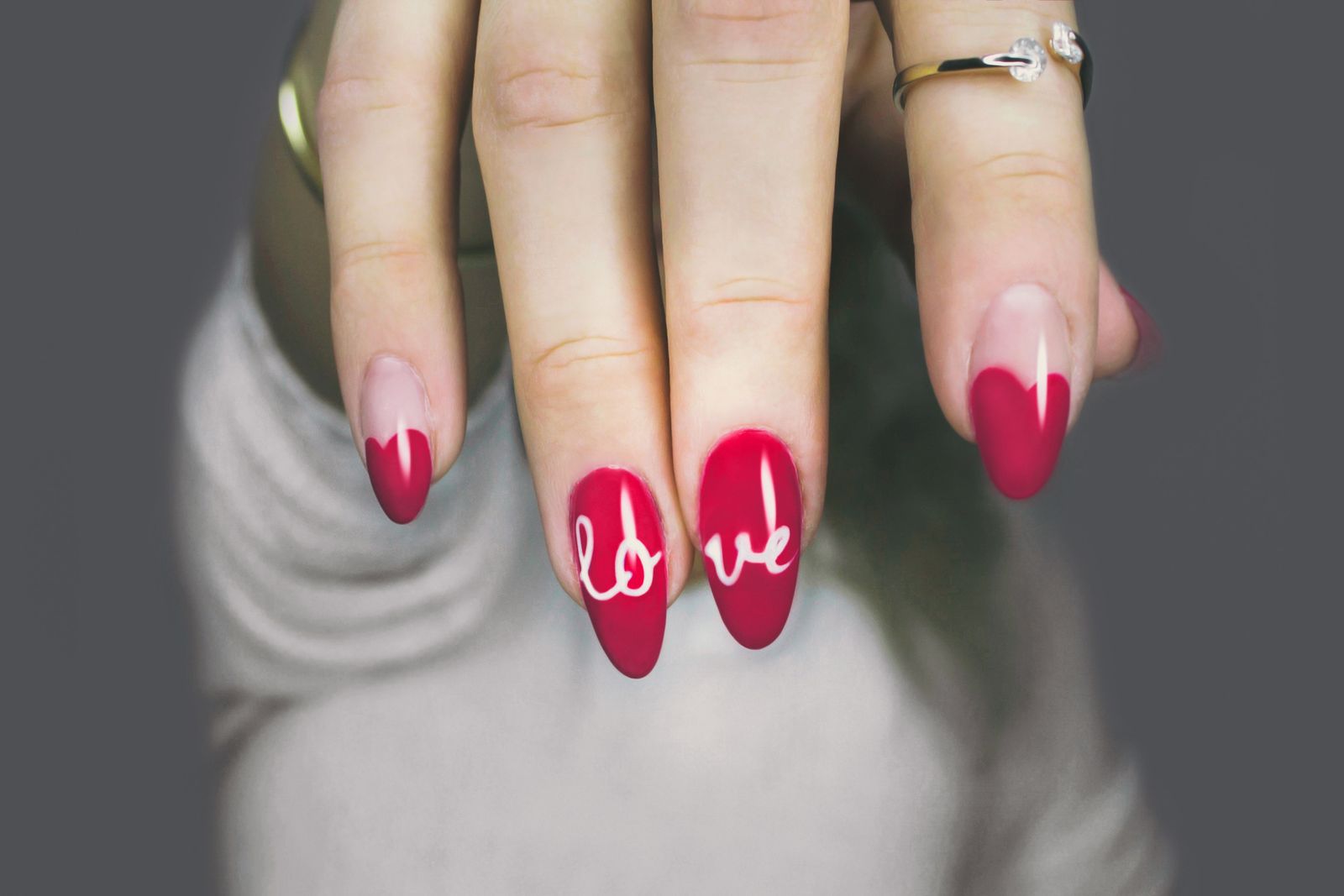
Facebook and Instagram Ads for Nail Salons: A Beginner's Step-by-Step Guide to Getting Your First Bookings from Paid Social in 2026
A complete guide for nail salon owners on setting up Meta ads from scratch — how much it costs, how to target the right clients, and what results to expect in your first month.
Every day, thousands of women in New York, London, Chicago, and hundreds of other cities open Instagram and look for a nail tech. They scroll their feed, watch Stories, save photos of flawless gel sets — and at some point, they tap "Book Now." The only question is: whose button is in front of them when that moment arrives.
If you're still relying entirely on word of mouth and hoping clients will stumble across you in search, you're leaving money on the table. Facebook ads for nail salons aren't some complex tool reserved for big brands. Set up correctly, they pay for themselves within weeks — even on a modest budget of $10–$15 a day.
This guide covers everything from scratch: from creating your ad account to landing your first real booking.
Why Meta Ads Work Better for Nail Salons Than Almost Any Other Channel
Google Search ads are great when someone is already hunting for a specific service. But Instagram ads for your manicure business work differently: they create desire where none existed a moment ago. A woman is scrolling her feed, sees a gorgeous photo of a fresh set, reads "Book in under 10 minutes" — and suddenly she has an intention she didn't have five seconds earlier.
This is called demand creation, not demand capture. For services clients need on a regular cycle — manicures, pedicures, nail extensions — this is an incredibly powerful mechanism. Your ideal client isn't searching for you right now, but when she sees your work at exactly the right moment, you're the name that sticks.
There's another advantage: Meta's algorithm knows a remarkable amount about its users. It can serve ads to people who are interested in beauty, nails, and self-care — and do it within a specific neighborhood. For a local business, that's about as close to a perfect targeting tool as you'll find.
What to Set Up Before You Run a Single Ad
A lot of salon owners make the same costly mistake: they launch ads before preparing their landing page. People click an ad, land on an Instagram profile with three posts and no booking link — and leave.
Before you spend a dollar on traffic, make sure you have the following in place:
- Your Instagram profile is complete: a clear profile photo, a bio that states your city and services, and recent work in your feed
- You have an obvious way to book: a WhatsApp button, an online booking link, or at minimum a DM with a fast response time
- Your Story Highlights include your pricing, portfolio photos, and client reviews
- If you're driving traffic to a website, it loads on mobile in 2–3 seconds
You'll also need a Meta Business Manager account, which you create at business.facebook.com using your personal Facebook login. Connect a Facebook Page (even if you don't post there regularly — it's required to run ads), your Instagram profile, and a payment card.
If you have a website, install the Meta Pixel. It's a small snippet of code that tracks what people do after clicking your ad — whether they submit an inquiry, browse your services page, or complete a booking. Without the Pixel, the algorithm is flying blind. With it, the algorithm learns from your data and gets sharper every single day.
Choosing the Right Campaign Objective
Meta ads for beauty salon beginners can feel overwhelming with all the options available, but it really comes down to one question: what do you want someone to do after they click?
If you want them to message you on WhatsApp or Instagram DM, choose the "Messages" objective. The algorithm will seek out people who are likely to initiate conversations with businesses.
If you're driving to a booking page or website, start with "Traffic" (while you have fewer than 50 weekly conversions) or switch to "Conversions" once your Pixel has enough data.
If your primary goal is building local awareness and recognition, "Reach" or "Brand Awareness" works — it's the cheapest option, but it generates fewer direct bookings.
For a nail salon just getting started with nail salon paid social media, I recommend launching with the "Messages" objective via Instagram Direct or WhatsApp. It's the most direct path from ad to conversation — no extra steps, no website required.
Audience Targeting: Who Should See Your Ads
Targeted ads for nail salons perform better the more precisely you define your audience — but there's a trap beginners fall into constantly: making the audience too narrow, so the algorithm never gets enough data to optimize.
The golden rule for local businesses: aim for an audience of 50,000 to 300,000 people in your city or service area.
Basic settings to start with:
- Location: your city, or a 3–7 mile radius around your salon address
- Age: 22–45 (you can test 18–50, but the core converting audience usually sits in this range)
- Gender: women
- Interests: nails, manicure, nail art, beauty, self-care — layer in a few variations
Don't over-restrict your audience. Meta is remarkably good at finding the right people on its own — the more conversion data you feed it, the better it performs.
Separately, build retargeting audiences: people who've already visited your website, watched your videos, or engaged with your Instagram profile. These are warm prospects — three to five times more likely to book than cold traffic. Retargeting audiences start small but grow quickly as your traffic increases.
Budget Reality Check: What to Expect in Your First Month
The most common question: how much do I need to invest to see results? Honest answer: it depends on your city and competition, but here are realistic benchmarks.
For a mid-size market (think Atlanta, Leeds, or a regional city), a sensible starting budget is $300–$500 per month, or $10–$17 per day. In a major metro like New York, LA, or London, competition is higher, so $500–$800 per month will deliver more consistent results.
Here's what to realistically expect with a $400/month budget targeting the "Messages" objective:
- Reach: 15,000–40,000 unique users
- Ad clicks: 400–800
- Conversations started: 30–80
- Actual bookings (with prompt follow-up): 10–25
That puts your cost per booking at roughly $16–$40. If your average ticket is $60–$100 and a client comes back once or twice a month, the math works out from the very first visit.
One important note: the first two weeks are the algorithm's learning phase. Don't turn the campaign off, and don't constantly tweak settings — give the system time to gather data.
How to Create an Ad People Actually Click
Your creative is responsible for roughly 70% of your results. You can have perfect targeting, but if the ad itself doesn't stop the scroll, you're burning money.
What works for Instagram ads in the manicure business:
- Short videos or Reels of your work in progress: movement stops scrolling. Film 15–30 seconds of application, close up
- Carousel posts featuring multiple looks: lets you showcase different styles and techniques while holding attention longer
- Before-and-after photos: a classic that never goes out of style in the beauty space
- A natural-looking shot of finished nails on a real client's hand: feels authentic, not like an ad
Keep your ad copy short and specific. The first two lines are all that shows before "more" — make them count. A simple structure that works:
"Book your manicure at [Salon Name] — slots open this week. Gel polish from $45, lasts 3–4 weeks."
Then add: your location, hours, and a clear call to action ("Message us on DM — we reply within 10 minutes").
Avoid stock photography. Instagram users can smell inauthenticity instantly. Shoot on your phone, in good natural light, with real client work. That's what converts.
Testing: How Not to Waste Your Budget
Launch 2–3 ad variations simultaneously with different visuals but the same copy and audience. After one week, check the numbers: your CTR (click-through rate) should be above 1.5%, and your cost per click should come in under $0.60–$0.80. Pause the underperformers and shift budget toward the winner.
Mistakes That Kill Your Results
Facebook ads for nail salons will underperform if you fall into these common traps:
- Audience too narrow. If you target a tiny radius and a tight age range, the algorithm can't gather enough data to learn
- Stopping the campaign after two days. The algorithm hasn't had time to optimize — you see poor early results and pull the plug. Give it at least 7–10 days
- Slow response to messages. If someone messaged you at 7 PM and you reply the next morning, she's already booked with someone else. Respond within 15–30 minutes during business hours
- Running ads for services you don't actually want to sell. If you hate doing acrylics, don't advertise them just for reach
- Copying competitor ads word for word. Meta rewards unique content with strong engagement — and penalizes the reverse
One more mistake: not tracking your numbers. Without analytics, you have no idea what's working. At minimum, review weekly: total spend, conversations started, bookings generated. Log it in a simple spreadsheet — patterns will emerge over time.
Scaling: What to Do When the Ads Are Working
Once you've found a combination that delivers bookings at an acceptable cost, resist the urge to dramatically increase your budget overnight. A sudden jump resets the algorithm back into learning mode.
Scale gradually: increase the budget by 15–20% every three to four days. At the same time, test new audiences — Lookalike Audiences built from your existing client list work especially well. If you have a list of at least 100–200 phone numbers or email addresses, upload it to Meta and the system will find similar users in your area.
Seasonality is your friend. One to two weeks before major holidays — New Year's, Valentine's Day, Mother's Day — increase your budget. Competition rises during these windows, but demand rises even faster. Start promoting your seasonal offers early, before bid prices spike.
Automating Your Inquiry Flow So You Don't Lose Clients
Here's a hidden problem with running ads: as your inquiry volume grows, you physically can't respond to everyone fast enough. A missed conversation is a lost client and wasted ad spend.
The solution is auto-replies on Instagram and WhatsApp. Set up an instant greeting message that fires the moment someone reaches out: "Hey! Thanks for getting in touch. We're open Monday–Saturday, 10am–8pm. Drop us your preferred day and we'll match you with a tech." This keeps the conversation warm while you're busy with a client.
Online booking platforms go a step further: clients choose their own time slot and book without any admin involvement. This removes the bottleneck entirely and lifts your conversion rate — a lot of people want to book at 10 PM when you're already off for the night.
ManicBot is one tool that brings online booking, automated client reminders, and a basic AI responder for your messaging channels into one place. It's particularly useful if you work without a receptionist or want to take the admin grind off your plate so you can stay focused on the actual work.
Where to Start Today
Meta ads aren't magic, and they're not a lottery. They're a system — one that works when it's set up thoughtfully and given enough time to learn.
Your launch plan:
- Polish your Instagram profile and add a clear way to book
- Create your Business Manager and connect your accounts
- Install the Pixel if you have a website
- Choose the "Messages" objective and set your audience to your local area
- Shoot 3–5 short, unpolished videos of real work — authentic beats production value every time
- Launch 2–3 ad variations with a budget of $10/day or more
- Let the campaign run for 10 days without touching the settings
- Review your numbers and keep what's working
Nail salon paid social media pays off — as long as you're ready to respond to inquiries quickly and back up the ad with great service. The ad gets someone to your door. Everything after that is up to you.
Start small, measure consistently, and scale what works. Within two to three months, you'll have a reliable, predictable stream of new clients coming from social media — one that doesn't depend on referrals or the time of year.
Related articles

10 minutes to your first bot booking: step by step, no developers, no integrations
Registration, services, schedule, first client. A guide for salon owners who've never set up a bot. With real screenshots and numbers.
Google Ads for Nail Salons on a Small Budget: How to Get Your First Bookings from Paid Search in Just a Few Weeks
Google Ads is one of the fastest ways to bring new clients through your nail salon door — even on a tight budget. This step-by-step guide covers campaign setup, keyword selection, ad copy, and how to avoid wasting money from day one.
How to Fully Optimize Your Google Business Profile for a Nail Salon in 2026: A Step-by-Step Guide
A complete guide to setting up and optimizing your Google Business Profile for a nail salon — from filling out every section to managing reviews — so you attract more clients from local search without spending a dollar on ads.