
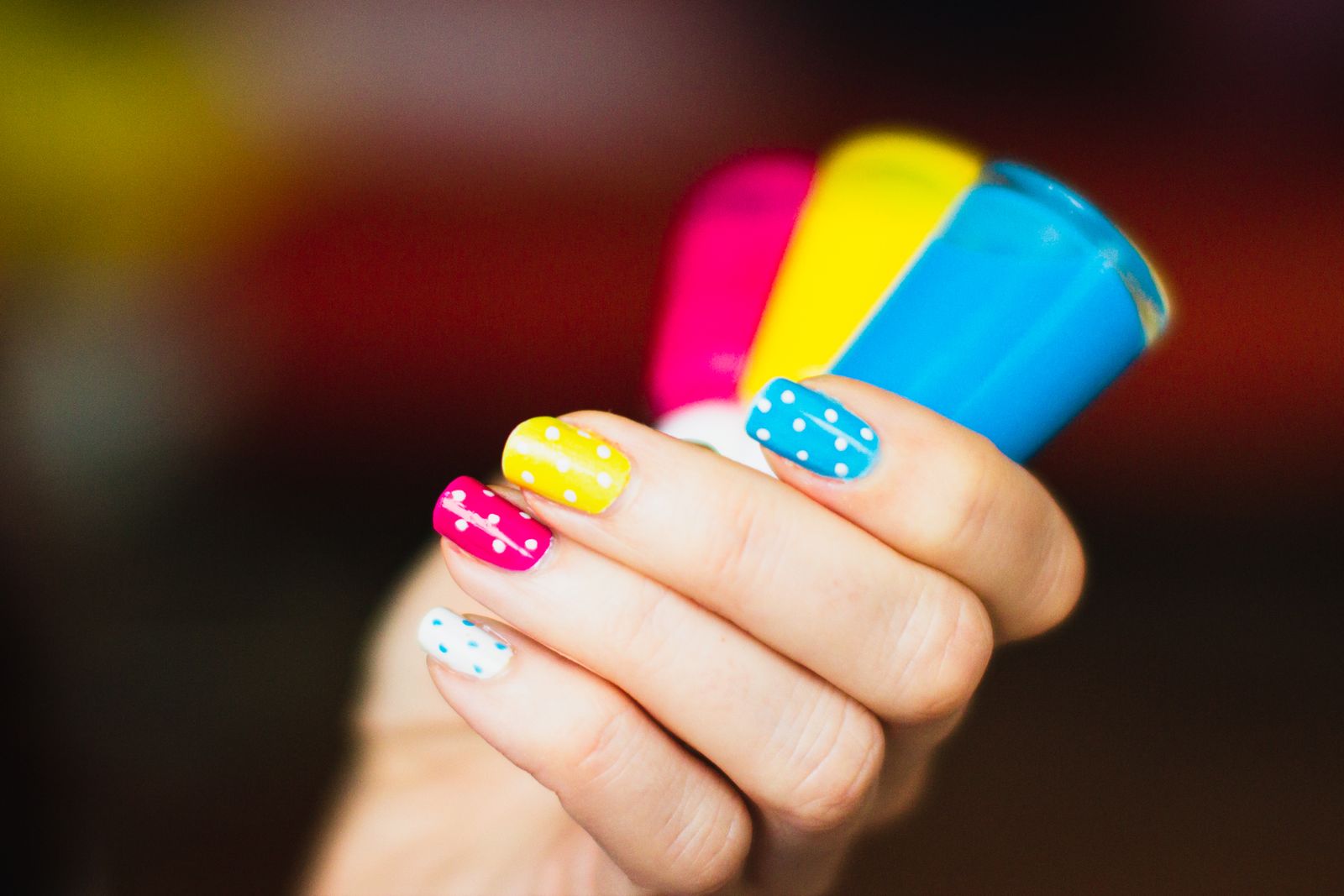
How to Set Up an AI Assistant for Automatic Booking in Your Nail Salon via Instagram DMs
A step-by-step guide to connecting an AI booking bot to your Instagram DMs so it handles manicure, pedicure, and nail extension requests on its own — no admin required, no missed clients.
Many nail salon owners have built Instagram into their primary client acquisition channel. Stunning photos of nail art, Reels showing before-and-afters, Stories with open appointment slots — it all works. A potential client scrolls through, gets excited, and fires off a DM: "Can I book an appointment?" And then everything stalls. The receptionist is with a client, the owner is at the nail desk, and that message sits unread for an hour, two hours, sometimes until the next morning. By then, the client has already booked with a competitor who replied faster.
The problem isn't a lack of willingness to respond. The problem is that no single person can physically monitor Instagram DMs around the clock while also serving clients and managing a schedule. The solution is an AI booking Instagram DM bot that takes over the initial conversation, gathers the details it needs, and adds the client to the calendar — without a single tap from a staff member. This article breaks down exactly how it works, what you need to get started, and what to watch out for.
Why Instagram DMs Are the #1 Booking Channel for Nail Salons
A few years ago, clients called. Now most people prefer to message — it's faster, there's no need for a phone conversation, and they can attach a photo of the nail design they want right away. Instagram has become something between a storefront and a call center for beauty businesses. Salon owners consistently report that 60–70% of new inquiries arrive through DMs or comments.
Response speed is everything. Research into messaging behavior shows that if there's no reply within 10–15 minutes, the likelihood of losing that client to a competitor spikes sharply. For nail salons this is especially painful: the client wants to book a specific day, the slot is open right now, and they are not willing to wait until tomorrow.
Auto booking on Instagram isn't just a convenience feature — it has a direct impact on revenue. If a bot replies within 30 seconds at 2 a.m. while a potential client is scrolling through their feed before bed, the chances of locking in that appointment are incomparably higher than if a human replies in the morning.
How an AI Bot in Instagram DMs Actually Works
For a bot to send and receive messages in your Instagram inbox, it uses the official Instagram Messaging API — part of the Meta platform. This is not a gray-area scraper or unofficial workaround; it's a legitimate interface Meta provides to businesses.
Here's the flow:
- A client sends a message to your Instagram account's DMs.
- Instagram passes that message through the API to the bot's server.
- The AI assistant reads the message, identifies the intent (booking, question, complaint), and routes it to the right conversation path.
- The bot asks follow-up questions: service type, preferred date, time, and technician.
- Once it has all the details, it checks available slots in your online calendar.
- It presents options, the client picks one, and the bot confirms the booking and writes it into the schedule.
- The client receives a final message with the date, time, and salon address.
The key requirement: your account must be an Instagram Business or Creator account, not a personal one. Only those account types have access to the Messaging API.
What You Need to Connect It: A Step-by-Step Checklist
Before launching the bot, you'll need a few things in place:
- A Facebook Business Page linked to your Instagram account. The API won't function without it.
- A verified Instagram Business Account with messaging enabled.
- An automation platform that supports the Instagram Messaging API — options include beauty-industry-specific tools, general-purpose chatbot builders with Instagram support, or a custom integration via Make or n8n.
- An online calendar or scheduling system with API access, so the bot can see your technicians' real-time availability.
- A conversation script: mapped-out responses to common questions and branching paths for service and time selection.
Setup can take anywhere from a few hours to a few days depending on how complex your schedule is and how many services you offer. For a small salon with 2–3 technicians and a standard service menu, it's realistically doable over a weekend.
How to Write a Conversation Flow That Doesn't Frustrate Clients
The most common mistake when launching instagram dm booking automation is an overly complex script. If the bot fires off eight questions in a row, clients get tired and close the chat. A good conversation is short and purposeful.
Here's a structure that works:
First message after the client reaches out: a greeting and a quick check on what they need. For example: "Hi! I can help you book an appointment. Are you looking for a manicure, pedicure, or something else?"
Second step: narrow down the specific service if there are multiple categories. Don't list the entire menu — offer buttons for the 3–4 most popular options plus an "other" choice.
Third step: ask for a preferred technician, or offer "no preference — whoever's available." Many clients are loyal to a specific person, so it's worth capturing that.
Fourth step: date and time. This works far better with concrete options than open-ended text entry: "We have Friday at 2:00 PM and 4:30 PM, and Saturday at 11:00 AM — which works for you?"
Fifth step: confirmation with the full booking details and a contact number in case anything changes.
The whole conversation is five message exchanges. Clients don't feel like they're talking to a robot because every reply is short, specific, and moving toward the goal.
Handling Off-Script Questions
Clients don't always write "I'd like to book." Sometimes it's "Do you do gel-X nails?" or "How much is a full set on short nails?" Your ai assistant booking Instagram beauty tool needs to handle these — answering FAQ-style questions about pricing and services, then gently steering back toward booking. If a question is truly out of scope, the right move is not to guess, but to hand the conversation to a human with a note about the context.
Calendar Integration: The One Thing You Cannot Skip
Instagram DM booking automation only works when the bot has access to live schedule data. If the two are out of sync, the bot will book a client into an already-taken slot — which is worse than having no bot at all.
Make sure your scheduling system supports two-way sync: the bot reads open slots from it and immediately writes new bookings back. Good options include Google Calendar with API integration, or dedicated salon management platforms — many of which already have native connectors for chatbots.
One practical tip: build buffer time into your schedule. If a manicure takes 90 minutes, the slot in your system should block 1 hour 45 minutes. That way the bot won't stack the next client back-to-back and your technician actually has time to prep their station.
Reminders, Confirmations, and Cancellations: Automating the Full Cycle
Auto booking Instagram nail workflows aren't just about the initial appointment. A complete setup includes several automatic touchpoints:
- Confirmation immediately after booking: all the details of the visit in one message.
- Reminder 24 hours before: "Just a reminder that tomorrow at 2:00 PM, Ashley has you booked for a gel manicure. Still good to go?"
- Reminder 2 hours before the appointment on the day of the visit, with the address and a way to flag any last-minute changes.
- Cancellation handling: if the client replies "cancel," the bot frees the slot in the calendar automatically.
In practice, automated reminders cut no-shows by 30–50%. For a small salon with three technicians, that can translate to 5–10 recovered working hours per month that previously went to waste.
One rule: don't flood clients with messages. Two reminders is the sweet spot. Three or more starts to feel like harassment.
Common Mistakes When Launching an Instagram Booking Bot
Here's what tends to go wrong the first time around.
Mistake #1 — An overwhelming service menu. If you list 25 options, clients get lost. Group them: manicure, pedicure, nail extensions, nail art. The specifics can be worked out in the next step.
Mistake #2 — The bot gives the same response to everything. A client writes "please cancel everything" and the bot keeps asking for a date. The script needs to recognize cancellation intent, apologies, and complaints — and respond appropriately to each.
Mistake #3 — No escape hatch. There always needs to be a way to reach a real person. Build it directly into the script: "If you'd like to speak with someone directly, just type 'staff' and we'll be right with you."
Mistake #4 — Going live without testing. Run through every branch of the conversation yourself on multiple devices. Ask a few friends to try booking as if they were real clients. Only then flip it on for actual customers.
Mistake #5 — Ignoring the analytics. Most platforms track how many conversations were started, how many ended in a booking, and where clients dropped off. Check these numbers weekly during the first month — it'll show you exactly where the script needs work.
What Results to Expect
After launching an AI booking Instagram DM bot, most small salons notice a few clear changes.
First: missed inquiries drop to almost zero. Messages that used to arrive overnight or on weekends and go unanswered for hours now get handled in seconds.
Second: staff spend far less time on routine back-and-forth. Salons with 2–4 technicians typically recover 1–2 hours per day that previously went to chatting with clients about availability.
Third: schedule utilization grows 15–25% within the first 2–3 months — because clients who previously left due to a slow reply are now staying and booking.
Fourth: the client experience becomes more consistent. Everyone gets the same fast, friendly response regardless of how busy the team is.
How to Choose the Right Automation Platform
There are a few categories of tools on the market.
General-purpose chatbot builders (ManyChat, Chatfuel) are a good fit for salon owners who want to set everything up themselves without a developer. They support Instagram and offer visual flow editors, though connecting them to a scheduling system will require an extra step through Zapier or Make.
Specialist salon platforms are built from the ground up for schedule management, reminders, and client records. Their Instagram integration typically comes as a ready-to-use module rather than a custom build.
Custom solutions are for businesses with non-standard workflows or multi-location operations. They require development work but give you full control.
If you're just getting started, the smartest path is to pick a platform that already supports Instagram and pilot it with one technician before migrating your whole schedule.
ManicBot is one such option — built specifically for nail salons and studios, with an AI assistant, auto booking, and reminders included out of the box. But whatever tool you choose, the important thing is to start. Every day without automation is another day of DMs that arrived, got no answer, and walked out the door.
Instagram DM booking automation is not some future technology. It's a tool thousands of salons are already using, and it pays for itself within the first few weeks through recovered inquiries and saved staff time. Start with a simple conversation flow, test it on real clients, and refine it as the data comes in. That's what ai booking instagram dm automation looks like when it actually works.
Related articles
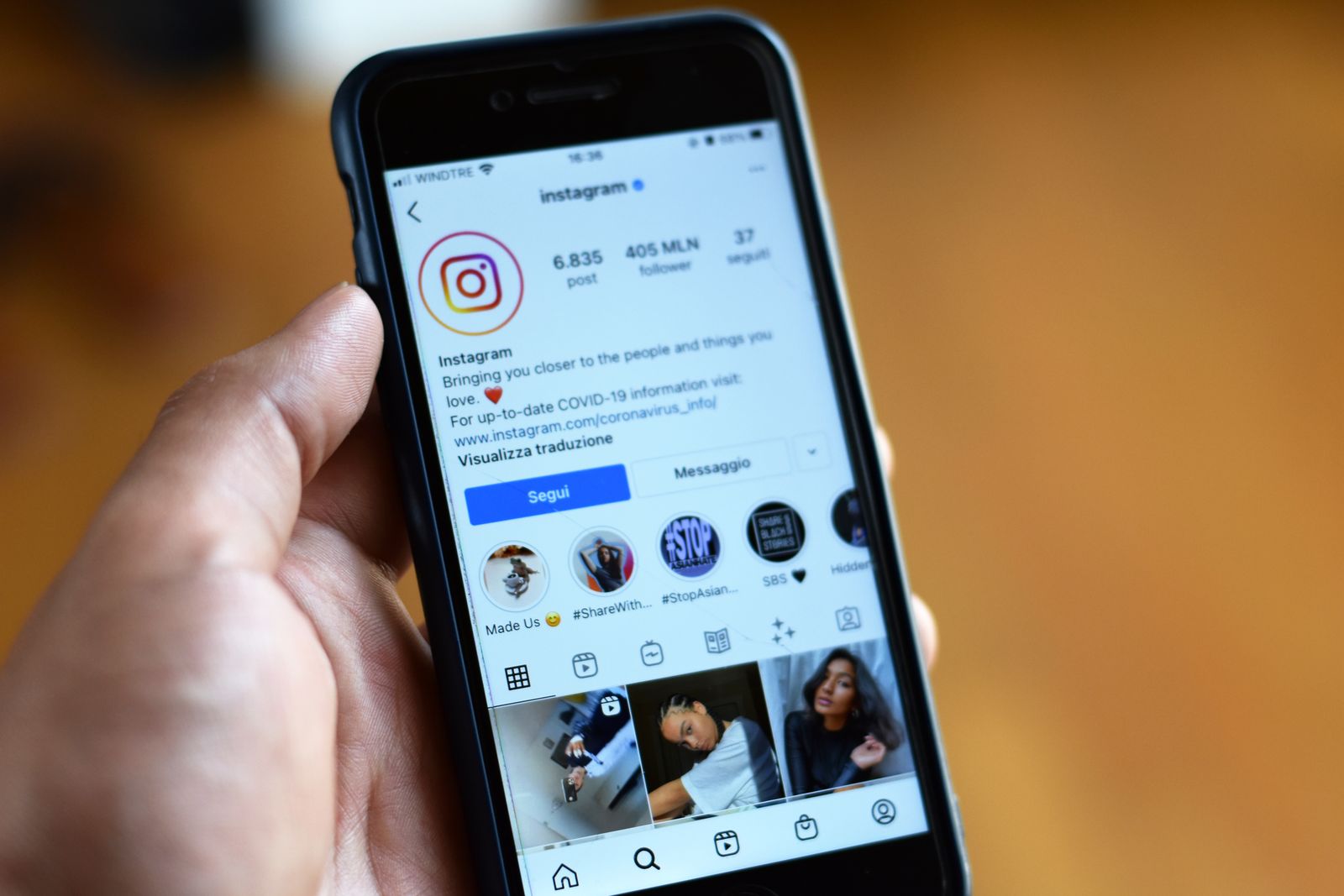
AI Booking Bot vs. AI Receptionist for Nail Salons: What Actually Fills Your Calendar and How to Set It Up in 2026
We break down the real difference between a basic AI booking chatbot for manicurists and a full AI receptionist — and give you a plain-English, step-by-step setup plan so you can choose the right tool for your salon.
Best AI Tools for Automating Instagram Content at Your Nail Salon: Captions, Images, and Scheduling in 2026
A practical breakdown of the AI tools and platforms helping nail techs run Instagram without burning out — from AI captions for nails to auto-posting. Real numbers, honest recommendations, and step-by-step strategies for salon owners.
How an AI Receptionist Helps Nail Salons Book Appointments Around the Clock — and Stop Losing Clients
Missed messages and after-hours booking requests are one of the biggest revenue leaks in any nail salon. Discover how a 24/7 AI receptionist nail salon solution handles bookings automatically — no front desk staff required — and why it beats hiring another employee.